![[PukiWiki]](image/pukiwiki.png "[PukiWiki]")
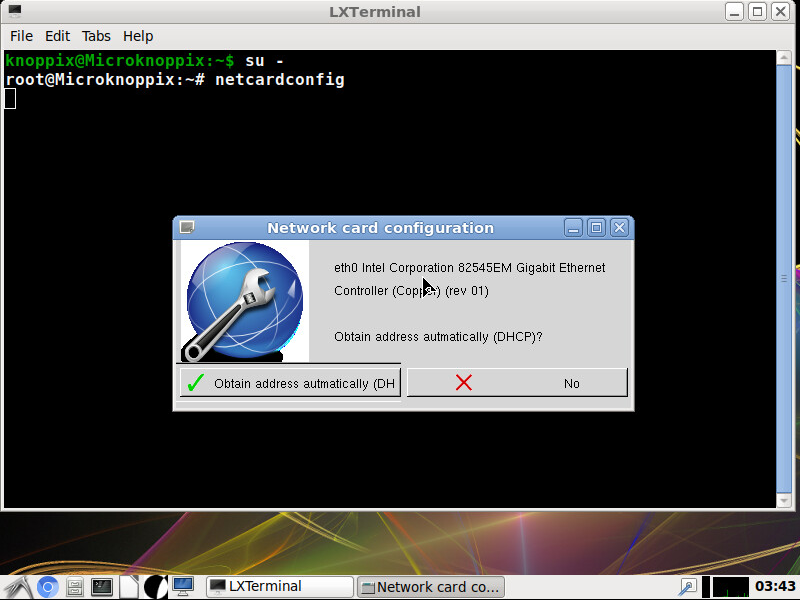
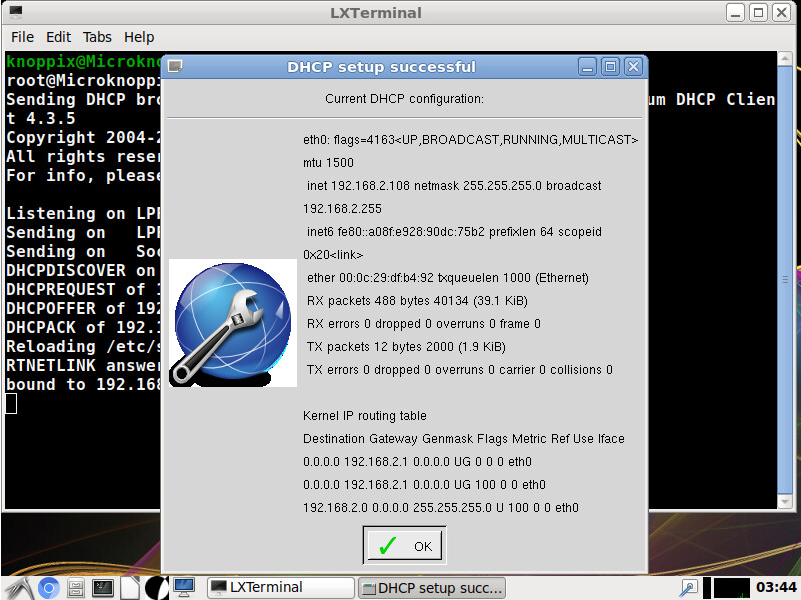
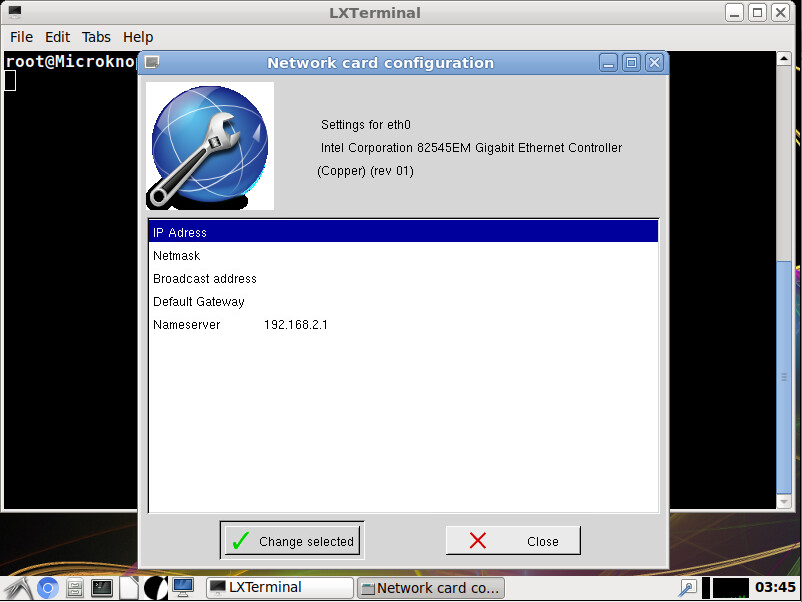
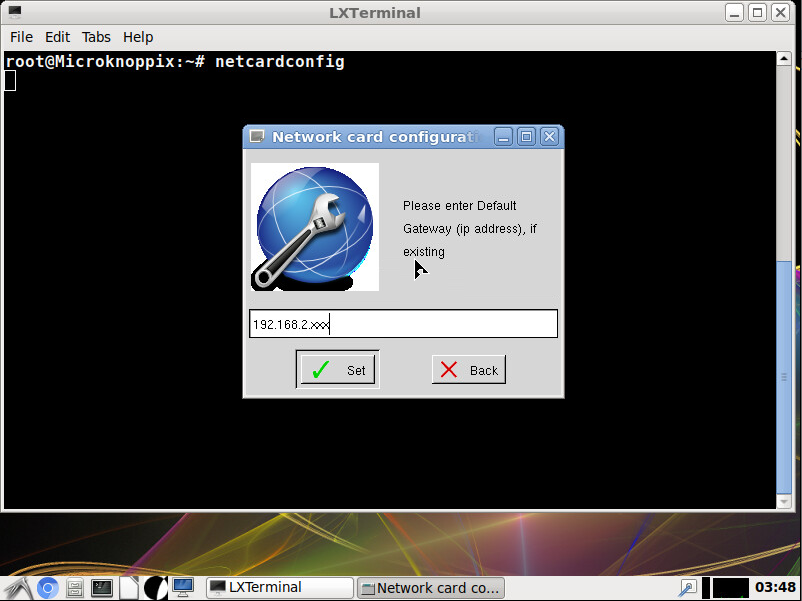
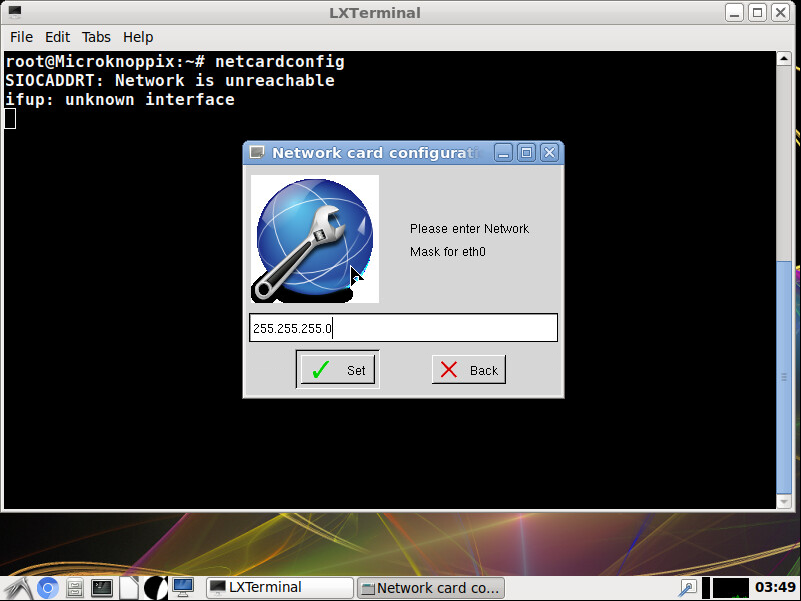
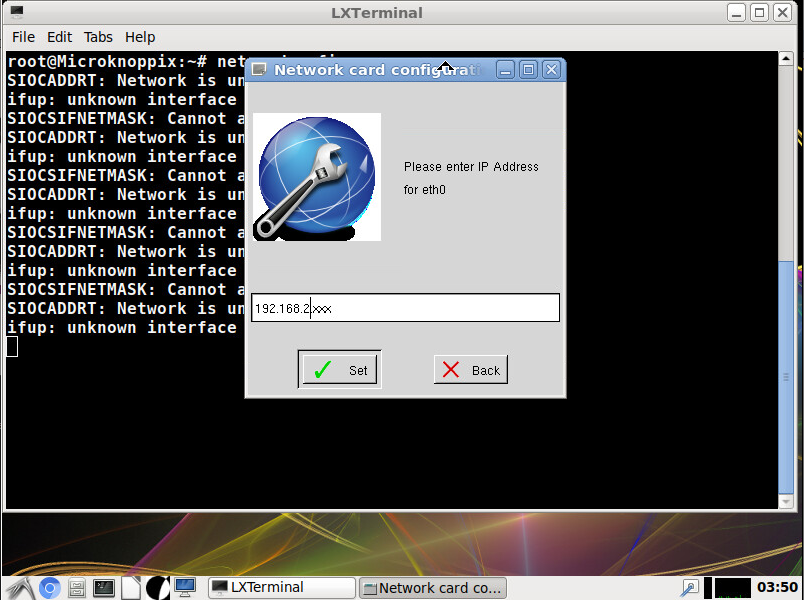
固定IP設定を行う場合以下の設定ファイルを修正
root@Microknoppix:~# vi /etc/network/interfaces
# /etc/network/interfaces -- configuration file for ifup(8), ifdown(8)

# The loopback interface
# automatically added when upgrading
auto lo
iface lo inet loopback

< 追記 >
auto eth0
iface eth0 inet static
address 192.168.0.253
network 192.168.0.0
netmask 255.255.255.0
broadcast 192.168.0.255
gateway 192.168.0.1
root@Microknoppix:~#
以下の通りネットワークを再起動を行いIPアドレスが取得されている事を確認
root@Microknoppix:~# /etc/init.d/networking restart
[warn] Running /etc/init.d/networking restart is deprecated because it may not re-enable some interfaces ... (warning).
[ ok ] Reconfiguring network interfaces...done.
root@Microknoppix:~#
以下の通りIPアドレスが取得されているか確認
root@Microknoppix:~# ifconfig -a
eth0: flags=4163<UP,BROADCAST,RUNNING,MULTICAST>  mtu 1500
        inet 192.168.0.253 netmask 255.255.255.0  broadcast 192.168.0.255
        ether 00:0c:29:**:**:**  txqueuelen 1000  (イーサネット)
        RX packets 716  bytes 64588 (63.0 KiB)
        RX errors 0  dropped 0  overruns 0  frame 0
        TX packets 287  bytes 45928 (44.8 KiB)
        TX errors 0  dropped 0 overruns 0  carrier 0  collisions 0

lo: flags=73<UP,LOOPBACK,RUNNING>  mtu 65536
        inet 127.0.0.1  netmask 255.0.0.0
        inet6 ::1  prefixlen 128  scopeid 0x10<host>
        loop  txqueuelen 1000  (ローカルループバック)
        RX packets 20  bytes 1040 (1.0 KiB)
        RX errors 0  dropped 0  overruns 0  frame 0
        TX packets 20  bytes 1040 (1.0 KiB)
        TX errors 0  dropped 0 overruns 0  carrier 0  collisions 0

root@Microknoppix:~#